Home cinema system
A smart soundbar, a windscreen TV and a Blu-ray player make up your home theater
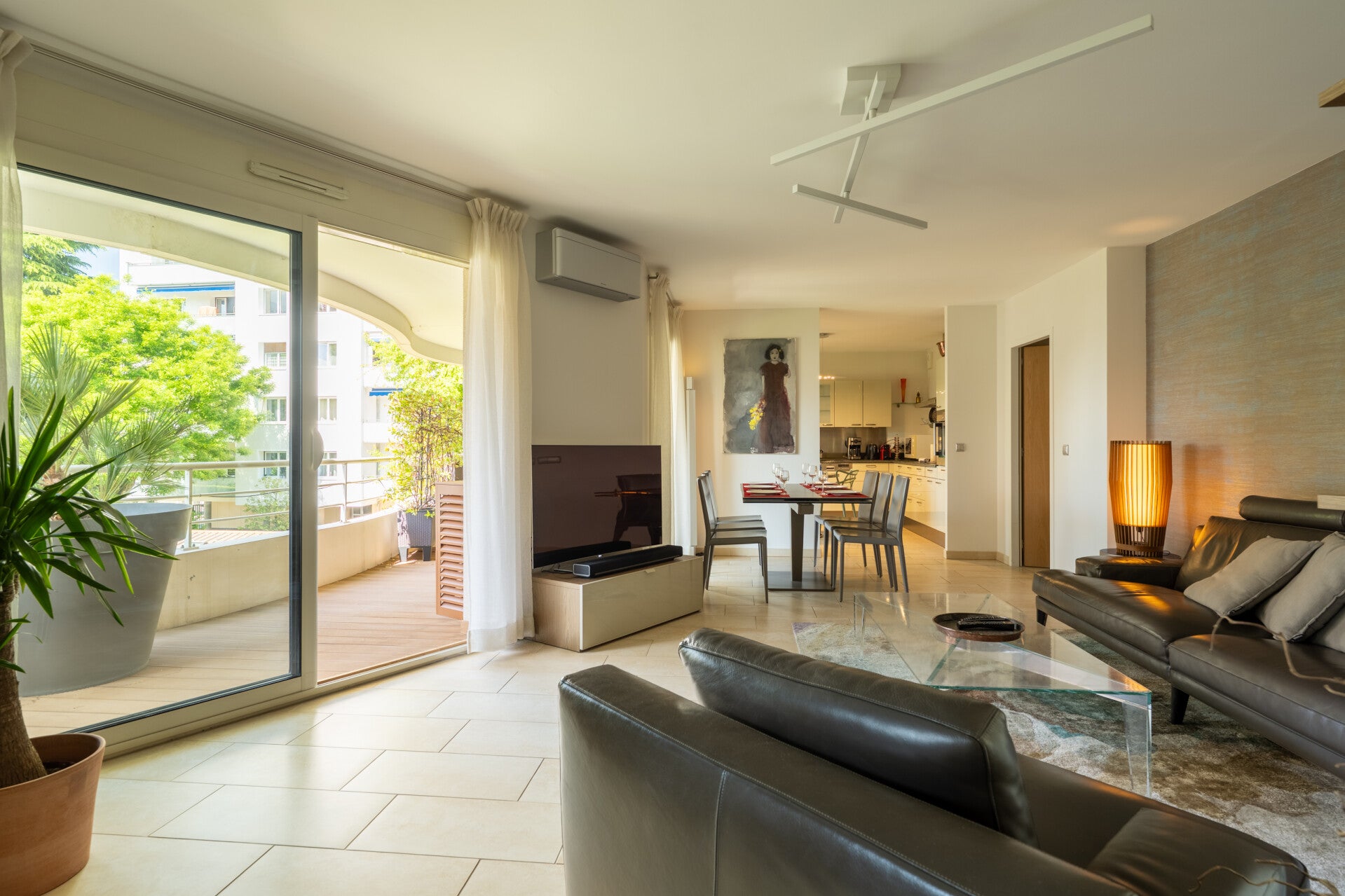
Enjoy your TV
The TV is easy to use, you just need to use two remotes
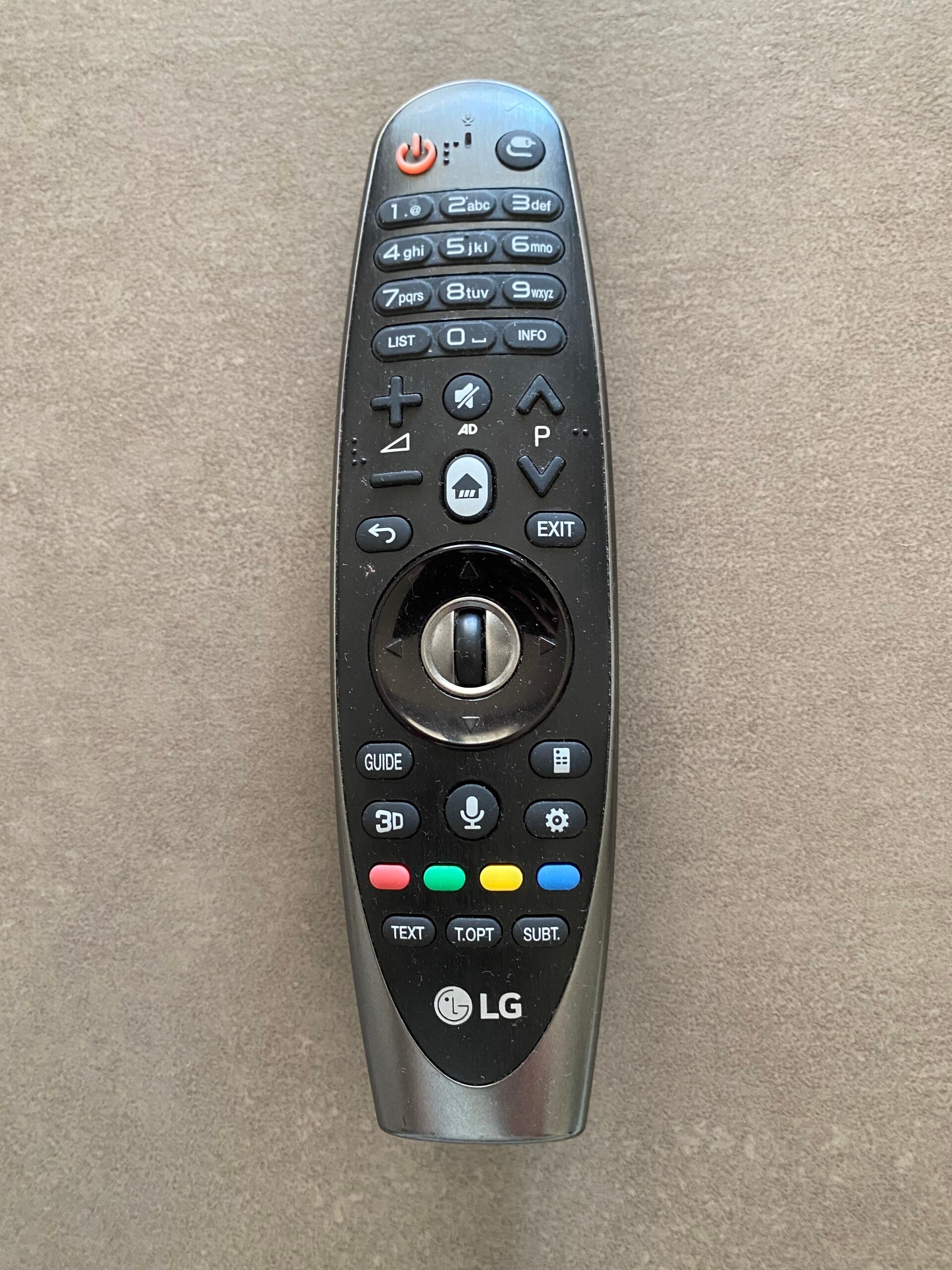
Step 1
To turn on the TV, switch on the main LG remote control by pressing the On/Off button; the LG logo at the bottom on the TV will blink slowly, and "pas de signal" (no signal) will appear on the screen ...
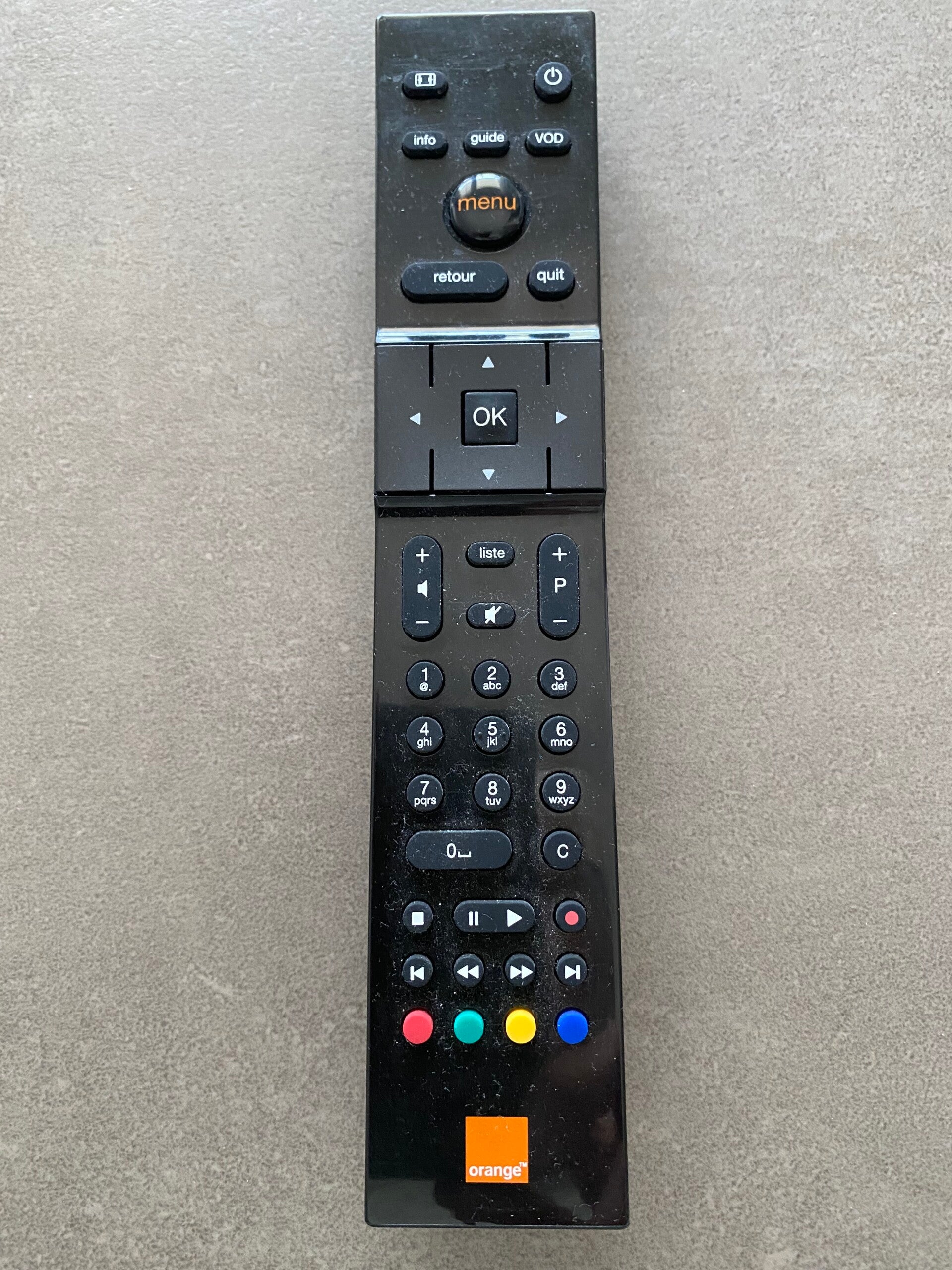
Step 2
... then switch on the Orange remote control by pressing the On/Off button …
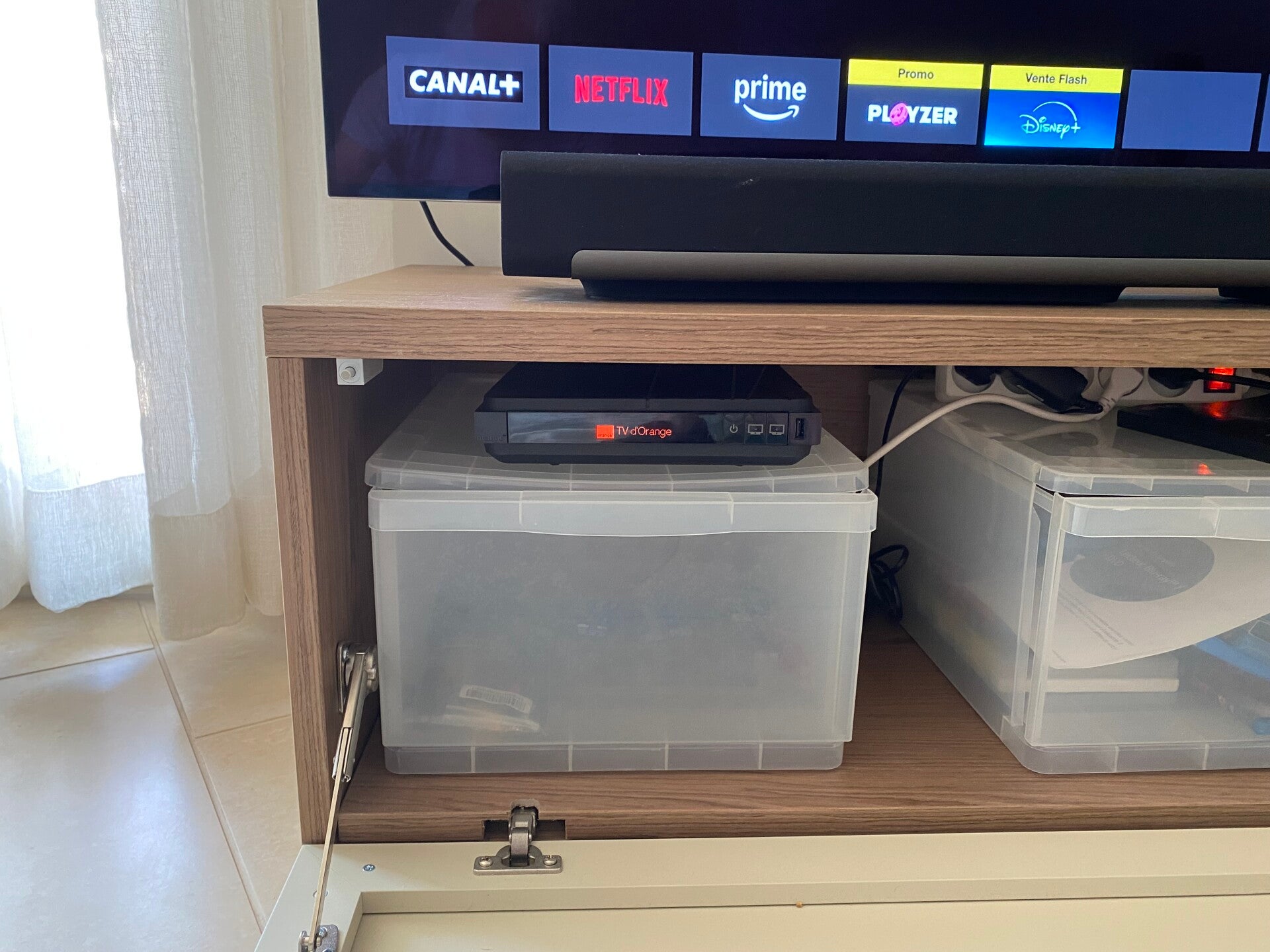
Step 3
… check that the Orange logo and "TV d'Orange" appear on the set-top box inside the cabinet below the TV. You will the have access to the chanels using the Orange. If you encounter any difficulties, make sure the remotes are pointed at their respective devices. Please feel free to contact us if the problem persists.